The task that vanished
You meant to reply. You fully intended to pay it. Then something else came up, and it slipped out of your mind.
Meet ADHD Life OS: a practical, visual life organization system designed to help adults with ADHD manage everyday responsibilities, build flexible routines, and make life feel more manageable.
$29.99 · one-time payment
Digital download · Print at home on US Letter · Educational resource, not medical advice
Many adults with ADHD describe some version of these moments. Maybe not all of them. Maybe a few hit uncomfortably close.
You meant to reply. You fully intended to pay it. Then something else came up, and it slipped out of your mind.
A form, a phone call, a pile of mail. Not hard, exactly, but somehow impossible to start.
A new planner, a new app, a beautiful color-coded calendar. It worked for a week, until a bad day broke it.
Five minutes became twenty-five. Deadlines feel far away, then suddenly they’re today.
The morning routine works on good days. On the other days, it’s all or nothing, and usually nothing.
Unfinished projects, half-made plans, things you promised someone. Even when nothing is urgent, your mind never quite rests.
None of this means you’re lazy or careless. Most organizing systems assume steady attention, a reliable memory, and the same energy every day. When your days don’t work like that, the system breaks, and it’s easy to conclude that you did.
ADHD Life OS doesn’t ask you to try harder. It helps you set things up so the right action is easier at the right moment, and builds in a way back for the days when it isn’t.
Fewer steps between you and done: hooks by the door, autopay with alerts, the document already open.
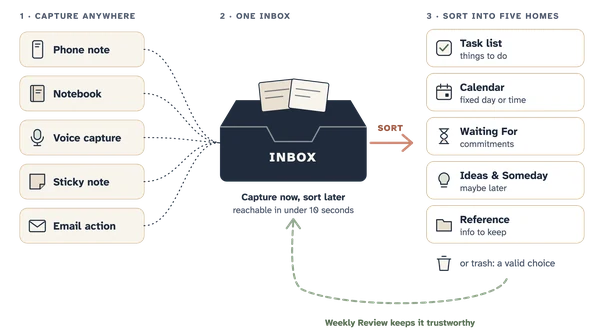
If it matters, it lives outside your head, in one trusted Inbox and in reminders placed where the action happens.
Three priorities a day instead of thirty. Default meals. Decide once, ahead of time.
Every routine has Full, Standard, and Minimum versions. On a hard day, the minimum counts.
Visual timers, trackers you can see, progress bars for projects. Not things you have to remember.
No streaks that reset to zero. Hard-Week Mode and a restart protocol are part of the design.
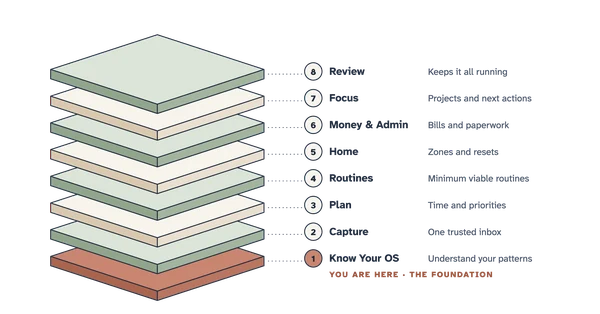
Three parts that teach the same method, use the same names, and work together, or on their own.
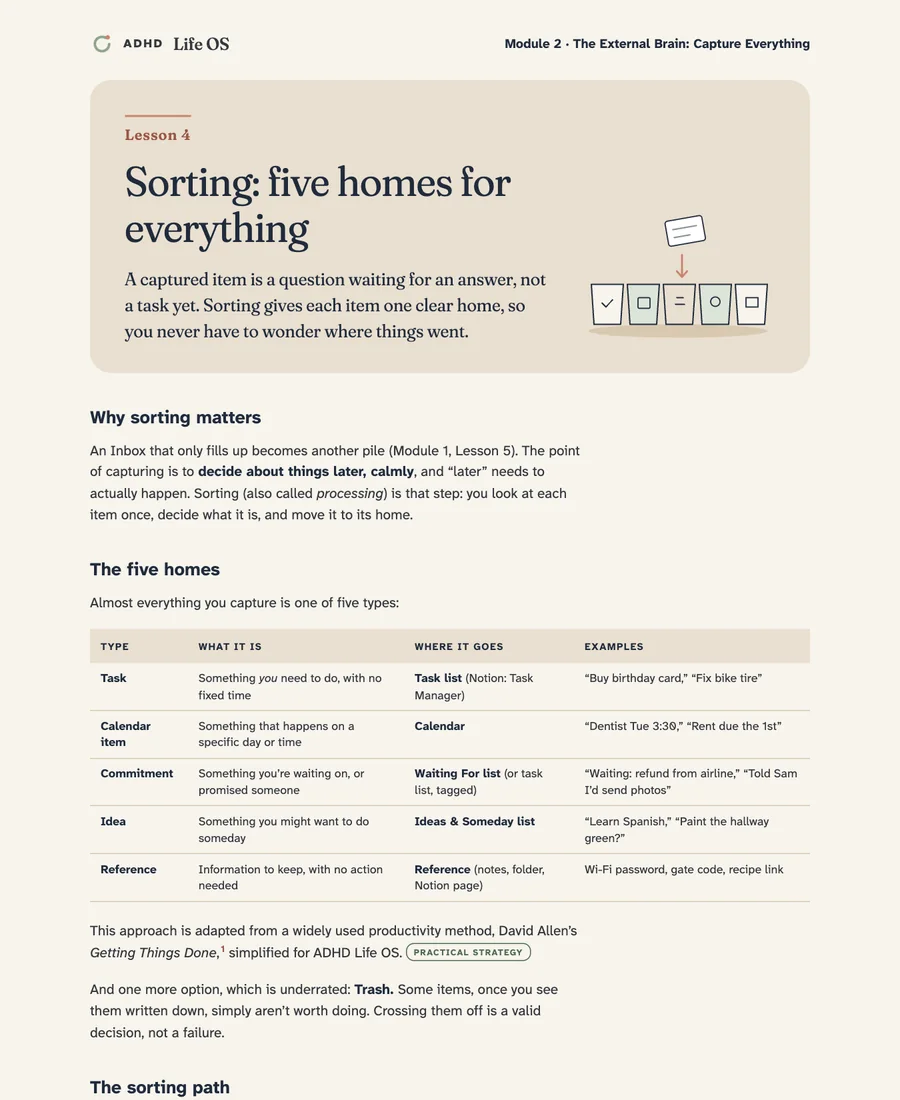
Short lessons, about 10–15 minutes each, read lesson by lesson on screen. Every lesson explains one idea, shows a real-life example, and ends with a single Next Action.
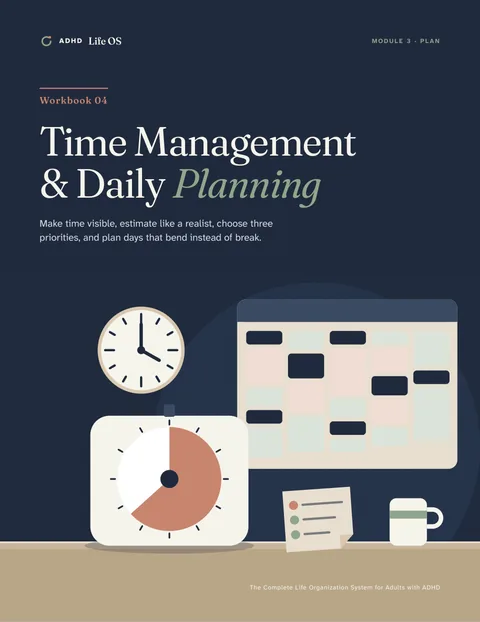
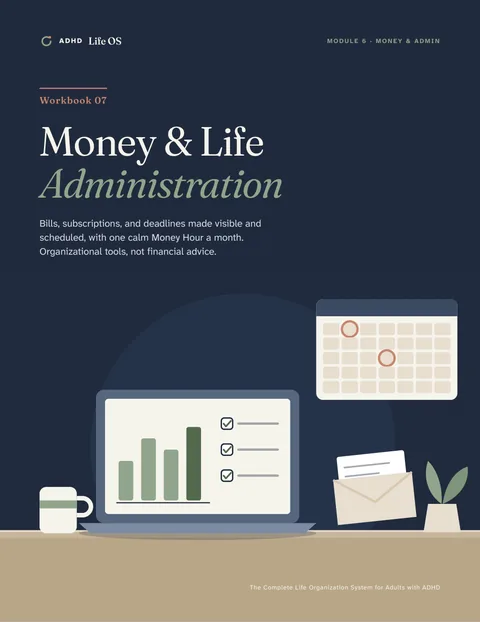
Eleven designed publications: the Master Guide, seven illustrated workbooks, the 30-Day Challenge, the Printable Planner, and a Start Here guide.
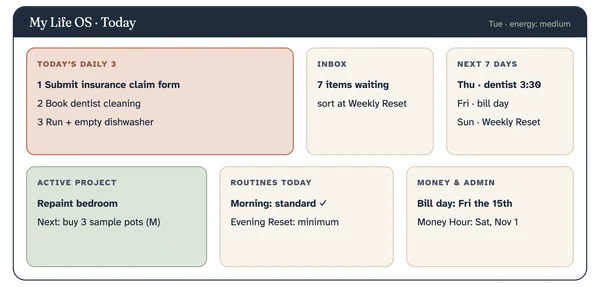
Prefer digital? A beginner-friendly, step-by-step guide to building the same system in Notion, with the database designs, formulas, and import files ready.
Each module answers three questions: what you’re learning, why it matters, and what to do next. You never finish a lesson wondering how to apply it.
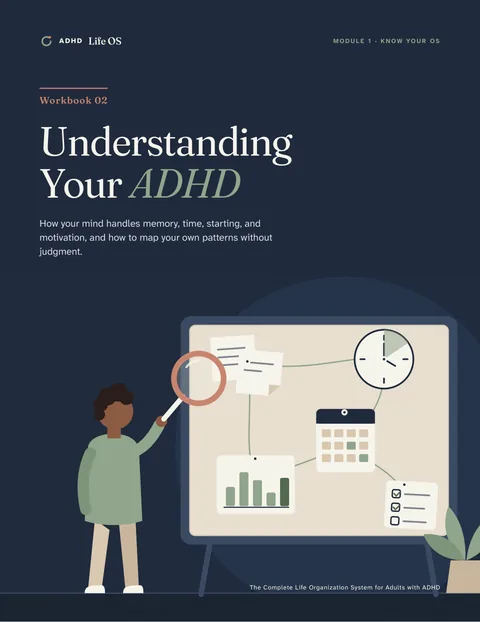
How executive functions, working memory, time perception, starting, and motivation shape everyday life, and how to study your own patterns without judgment.
You’ll leave with: A clear map of your friction points, strengths, and best conditions.
Illustrated edition: Workbook 02
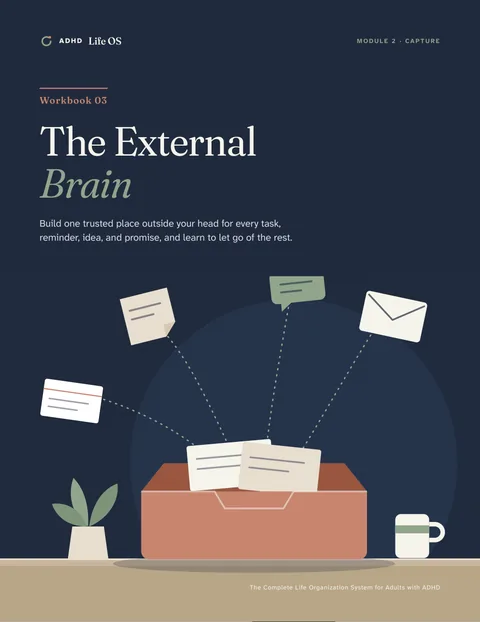
One trusted Inbox, capture stations, a guided Brain Dump, five homes for everything, and a Weekly Reset that keeps it trustworthy.
You’ll leave with: Fewer “open tabs” in your head, and one place that holds everything.
Illustrated edition: Workbook 03

Visible time, your personal estimation multiplier, the 3-Priority Rule, flexible time blocks, buffers, and the Two-Minute Starting Method.
You’ll leave with: Days planned around how long things really take.
Illustrated edition: Workbook 04

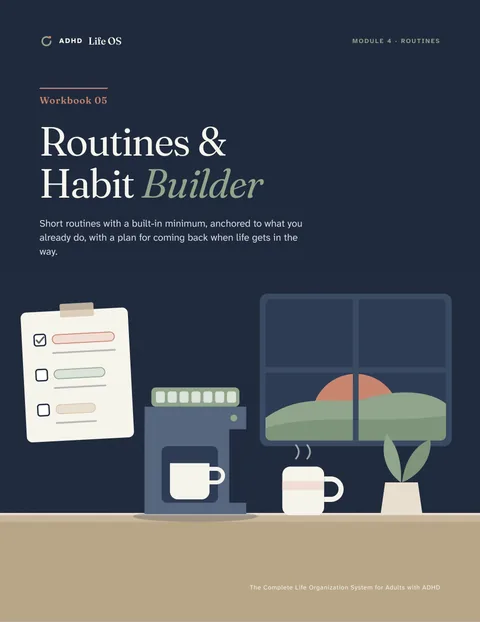
Habit stacking, environmental triggers, Minimum Viable Routines, a Morning Launch and Evening Reset, and a plan for restarting after a break.
You’ll leave with: Routines with a built-in minimum that survive hard days.
Illustrated edition: Workbook 05

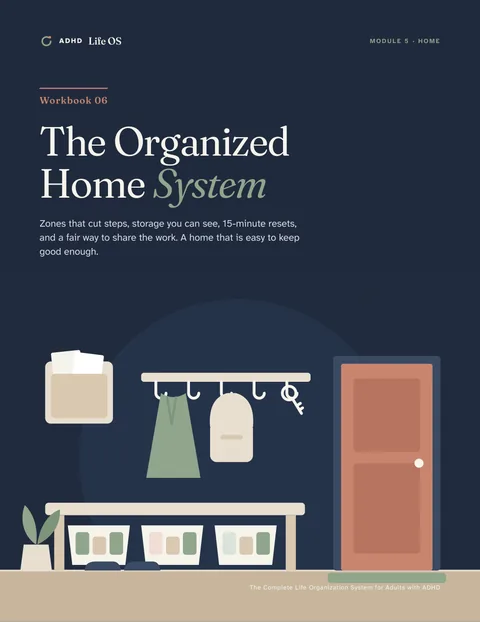
Functional zones, one-step storage, visual organization, the 15-Minute Reset, laundry and kitchen systems, paperwork, and sharing the load.
You’ll leave with: A home that’s easier to keep “good enough.”
Illustrated edition: Workbook 06
A complete bill inventory, autopay with safeguards, two bill days, a subscription audit, an annual admin calendar, and a monthly Money Hour.
You’ll leave with: Bills and deadlines made visible and scheduled. (Organizational, not financial advice.)
Illustrated edition: Workbook 07

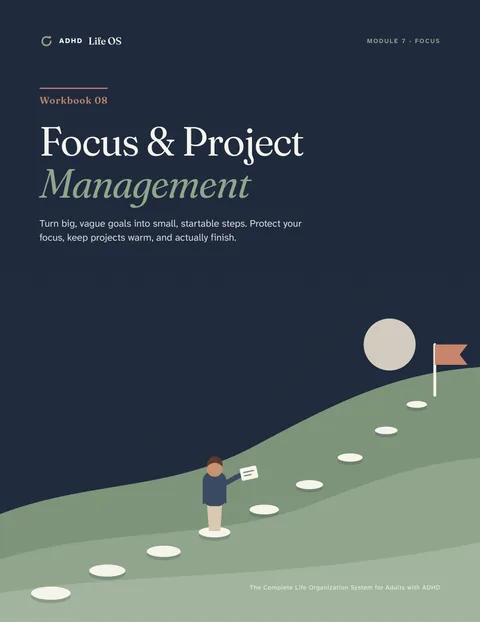
Breaking projects into milestones and next actions, getting unstuck, focus environments, the Distraction Parking Lot, and finishing.
You’ll leave with: Projects that move from “someday” to done.
Illustrated edition: Workbook 08
A personal dashboard, daily, weekly, and monthly reviews, Hard-Week Mode, and a restart protocol that connect every layer.
You’ll leave with: One personal system you can run, adapt, and restart.
Illustrated edition: Master Guide, Part III

Every page below is a real page from the product. Select a publication to look inside.
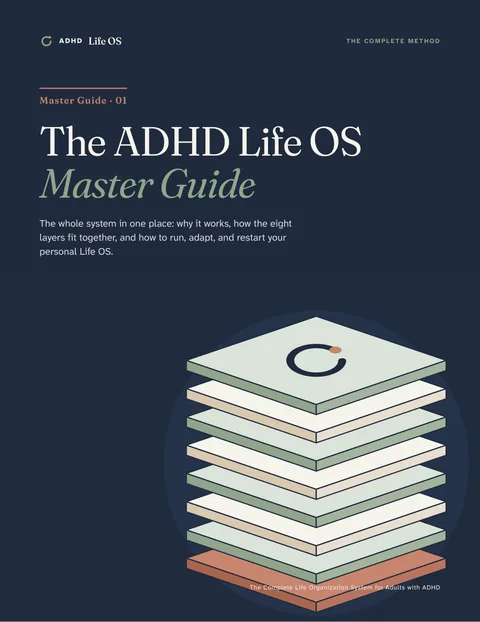
The whole method in one place: the design rules, the eight layers, the three review loops, and Module 8.
49 pages · US Letter · printable
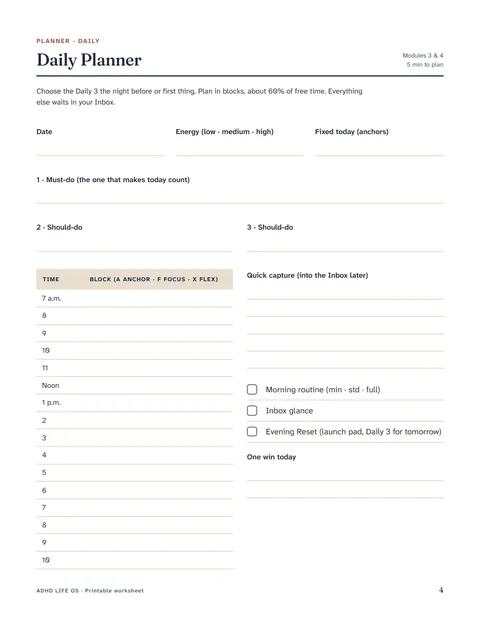
Inside: page 5 (lesson) · page 37 (worksheet)
Pages shown are rendered directly from the final PDFs. US Letter, printable at home.
The Notion build kit walks you through creating a calm, simple workspace that mirrors the printable system, with the same names, the same tools, and the same minimums. Paper and Notion are two ways to run one method, so you can switch anytime.
Most people take one module every week or two. There’s no falling behind: every module ends by telling you exactly where to pick up.
Map where your days snag, and what already helps, without self-judgment.
Module 1

Build one trusted Inbox and empty your head into it with a guided Brain Dump.
Module 2

Make time visible, estimate realistically, and choose three priorities a day.
Module 3
Short routines anchored to what you already do, each with a five-minute minimum.
Module 4
Bring in home, money, and projects, then connect it all with a dashboard and simple reviews.
Modules 5–8
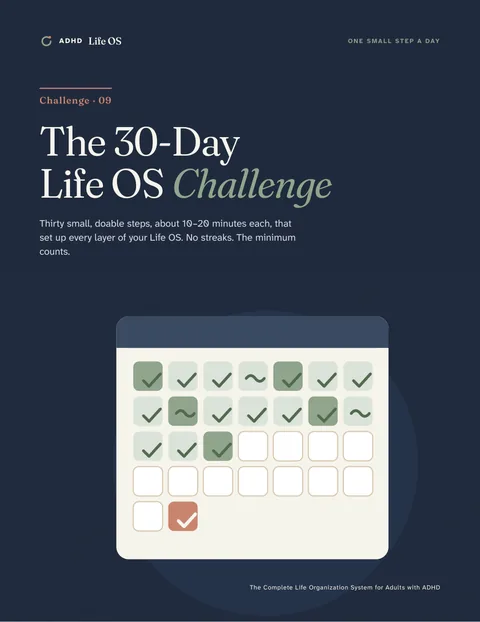
One step a day, about 10–20 minutes, each linked to the lesson that explains it. By day 30 you’ll have set up every layer of the system at least once.
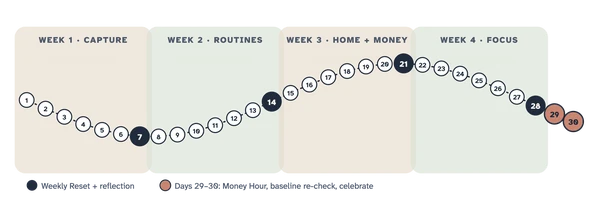
Minimum version: Set a 10-minute timer and write everything on your mind.
A real day card from The 30-Day Challenge (PDF 09)
The challenge is a structured way to set up your system. It isn’t a treatment, and it doesn’t promise specific results in 30 days.
Alongside the course and workbooks, four resources make the system easier to adopt and maintain. All of them are part of the product, not separate add-ons.
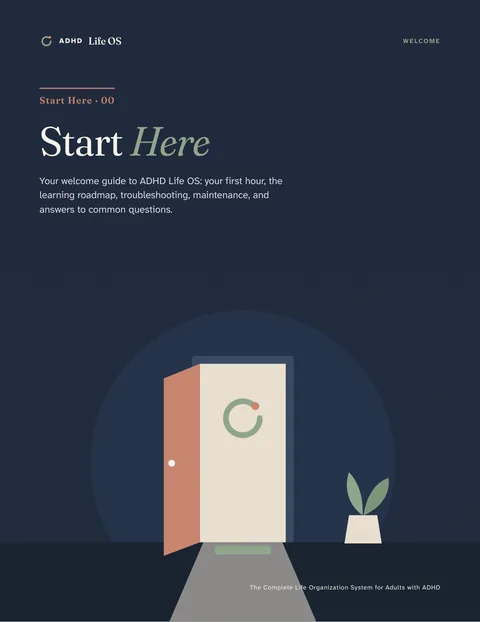
Your welcome, a five-step first hour, the learning roadmap, troubleshooting, a maintenance rhythm, and FAQ.
Why it helps: You know exactly where to begin, and what to do when something slips.
Thirty daily steps, four weekly reflections, a tracker, and a day-30 review.
Why it helps: Turns the course into habits, a few minutes at a time.
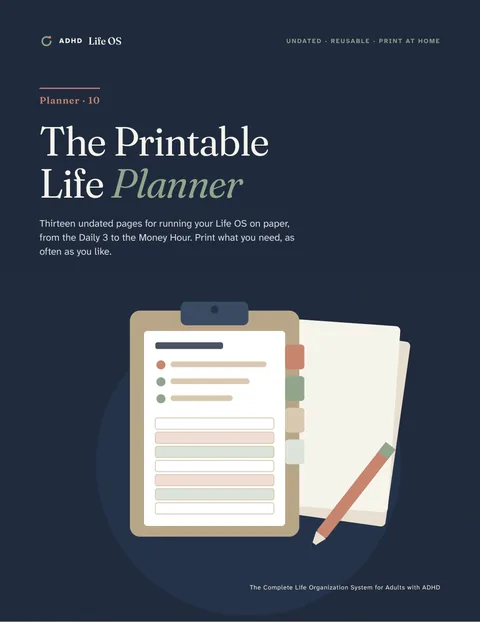
13 undated, reusable page types: daily, weekly, monthly, Brain Dump, priorities, habits, routines, meals, cleaning, bills, projects, focus sessions, notes and reflection.
Why it helps: Run the whole system on paper. No Notion required.
A beginner setup guide, 8 database schemas, 11 explained formulas, 8 CSV import files, and 5 page templates.
Why it helps: The same tools and names, on your phone and computer.
ADHD Life OS is an educational and organizational resource. It isn’t medical, psychological, or financial advice, and it doesn’t diagnose or treat ADHD. It’s designed to work alongside the care and support you already have. If you’re in crisis in the U.S., call or text 988.
| Topic | ADHD Life OS | A typical planner or method |
|---|---|---|
| Approach | ADHD-informed: designed around memory, time, starting, and energy that vary | Often assumes steady motivation and the same energy every day |
| Learning | A complete methodology: 8 modules explaining why each tool works | Pages to fill in, usually with little explanation |
| Formats | Course, illustrated workbooks, printable planner, and Notion, all with the same names | Usually a single format |
| Routines | Full, Standard, and Minimum versions; the minimum counts | One version: done or not done |
| Tracking | Counts days, never streaks; Hard-Week Mode and a restart protocol | Streaks that reset to zero after one missed day |
| Evidence | Claims labeled by evidence level, with references | Tips without sources |
| Reuse | Undated, reusable pages; print as often as you like for personal use | Dated pages that expire |
Comparison with typical generic planners and productivity methods in general, not with any specific product.
11 PDFs · 390 pages · 120 original illustrations
$29.99one-time payment
Digital product · US Letter, printable at home · English only
Start with today, the minimum, and one small step. ADHD Life OS is built to be restarted, whenever you need it.
$29.99 · one-time payment